Meeting Note

Notes after the call.
Answers during it.
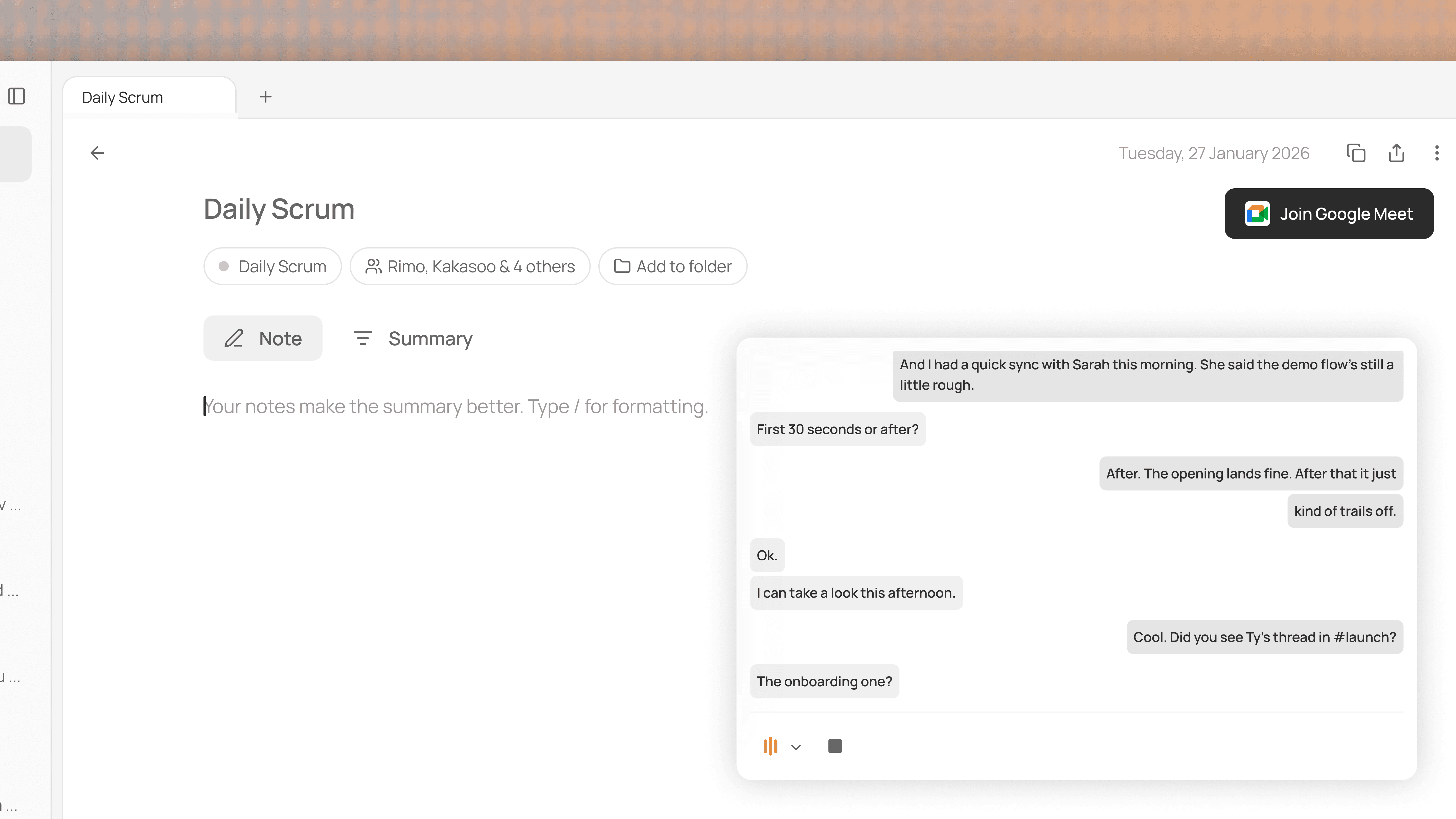
Miller transcribes without a bot and hands you the summary after
- but the real help comes while the meeting is still happening.

Miller transcribes without a bot
and hands you the summary after
- but the real help comes while
the meeting is still happening.

Desktop app coming soon

We'll email it for when you're at your desk.

What was just said, and what was decided weeks ago, right there

Miller doesn't only remember past meetings. It's transcribing this one live too. Miss something? Ask the notch "what did she just say?" and it pulls up the remark on the spot. The other side brings up a decision from two weeks ago? One question, and the answer is right there - whether it was said moments ago or weeks ago.

Any meeting, no bot

Miller listens through your device, not through a bot in the participant list. Zoom, Teams, Google Meet, a call playing from a browser tab - if it comes through your computer's audio, Miller transcribes it. Nothing to invite, nothing to switch on.

Walk in already prepared

Before you go in, open the notch and ask what I need to get out of this meeting. Miller gathers the related past conversations, documents, and loose ends, and lays out what the meeting is for. You walk in ready.

The summary writes itself while you talk

When the call ends, the meeting notes are already there: a clean summary, the decisions made, and action items with owners. No post-meeting write-up, no "let me go back through the recording" - just review, share, and move on.

How to get started

1.

Connect your calendar so Miller knows what's coming up.

2.

Start your call - Miller picks up the audio and transcribes on its own.

3.

Ask the notch during the meeting, and get your summary and action items after.

FAQ
How do I ask Miller a question during a meeting?

Two ways. On the Meeting Notes screen in the Miller app, type your question into the chat field next to the stop button. Or, if you're working in another window, open Miller Chat from the notch without leaving the screen you're on. Either way, Miller answers with the live transcript as context.

How do I ask Miller a question during a meeting?
How does it transcribe meetings without a bot?

Miller transcribes the meeting directly through your device instead of sending a separate bot into the call. There is no extra participant joining under a bot name and no invitation to manage. - Miller builds the live transcript without changing the participant list or interrupting the meeting.

How does it transcribe meetings without a bot?
Can I ask about something that was just said in the meeting?

Yes. While the meeting is being transcribed, Miller uses the live transcript as context, including things said only moments ago. For example: "What number did Alex just mention?", "What did we agree to?", or "How is this different from the plan we discussed last week?”

Can I ask about something that was just said in the meeting?
How is chatting during a meeting different from regular Miller Chat?

It has everything regular Miller Chat has - what's on your screen and the context Miller has organized from your past work - plus the live transcript of the meeting in progress. So you can ask about something just said, connect the discussion to a past meeting or document, or summarize the conversation so far, all in the same chat.

How is chatting during a meeting different from regular Miller Chat?